
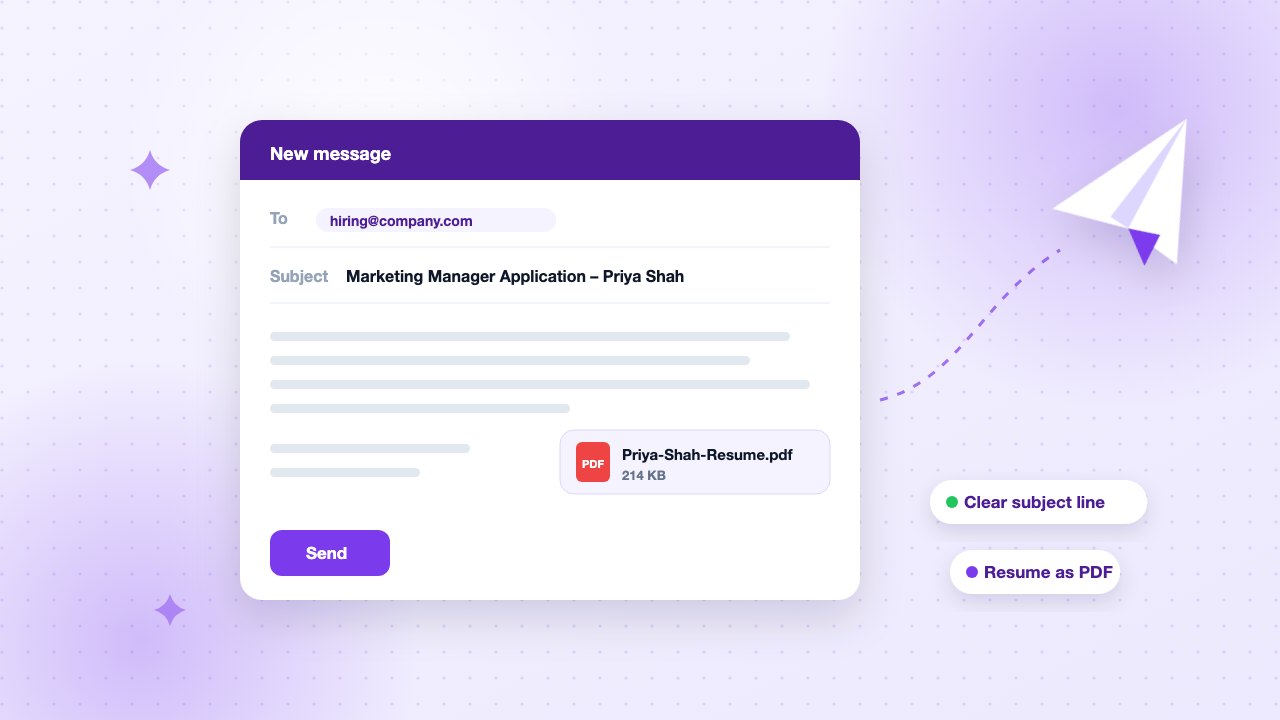
When you apply by email, the message itself is your first impression, before anyone opens your resume. A clear, professional email makes it easy for the recruiter to say yes to the next step. A sloppy one can end your chances before the attachment is even opened.
1. Use a professional email address
Your address should be some version of your name, for example priya.shah@… or pshah.marketing@…. Avoid nicknames, birth years, and old school or work accounts you might lose access to.
2. Write a clear subject line
Recruiters search their inbox by job title and name, so include both. If the posting gives a reference number, include that too.
Marketing Manager Application – Priya ShahApplication: Senior Data Analyst (Ref #4821) – Arjun MehtaReferred by Neha Kapoor – Product Designer Role – Sam Carter
3. Keep the body short
Three short paragraphs are enough. Your resume and cover letter do the heavy lifting.
Template: applying to a posted job
Dear Mr. Thompson,
I’m excited to apply for the Marketing Manager role at Northwind, as posted on your careers page. With six years in B2B marketing and a track record of growing qualified leads by 35% year over year, I believe I can make an immediate impact on your demand-generation goals.
I’ve attached my resume and cover letter for your review. I’d welcome the opportunity to discuss how my experience fits your team.
Best regards,
Priya Shah
+91 98765 43210 · linkedin.com/in/priyashah
Template: when someone referred you
Hi Maria,
Neha Kapoor on your design team suggested I reach out about the Product Designer opening. I’m a product designer with four years of experience in fintech apps, and I recently led a checkout redesign that lifted conversion by 18%.
My resume and portfolio link are attached. Would you be open to a short call next week?
Thanks,
Sam Carter
4. Attach your resume the right way
- Use PDF. It keeps your formatting identical on every device.
- Name the file clearly:
Firstname-Lastname-Resume.pdf, neverresume_final_v3.pdf. - Keep it small: under 2 MB.
- Follow instructions: if the posting asks for Word format or a pasted resume, do exactly that.
5. Add a professional signature
Full name, phone number, and a LinkedIn or portfolio link. You can also add your online resume link. Every ResumeCreating account includes a shareable CV page that always shows your latest version.
6. Check everything before you hit send
- Is the recruiter’s name spelled correctly?
- Is the right company and role named in the subject and body?
- Is the attachment actually attached, and is it the right version?
- Send a test to yourself and open it on your phone.
7. Follow up, but only once
If you haven’t heard back after 7–10 working days, send one short follow-up in the same thread, restating your interest and asking whether they need anything else from you.
Avoid: emoji, slang, colored fonts, sending to many companies in one email (use individual messages), and pasting the full resume into the body unless asked.
Want your attachment to look as professional as your email? Pick a template and download a polished PDF in minutes.