
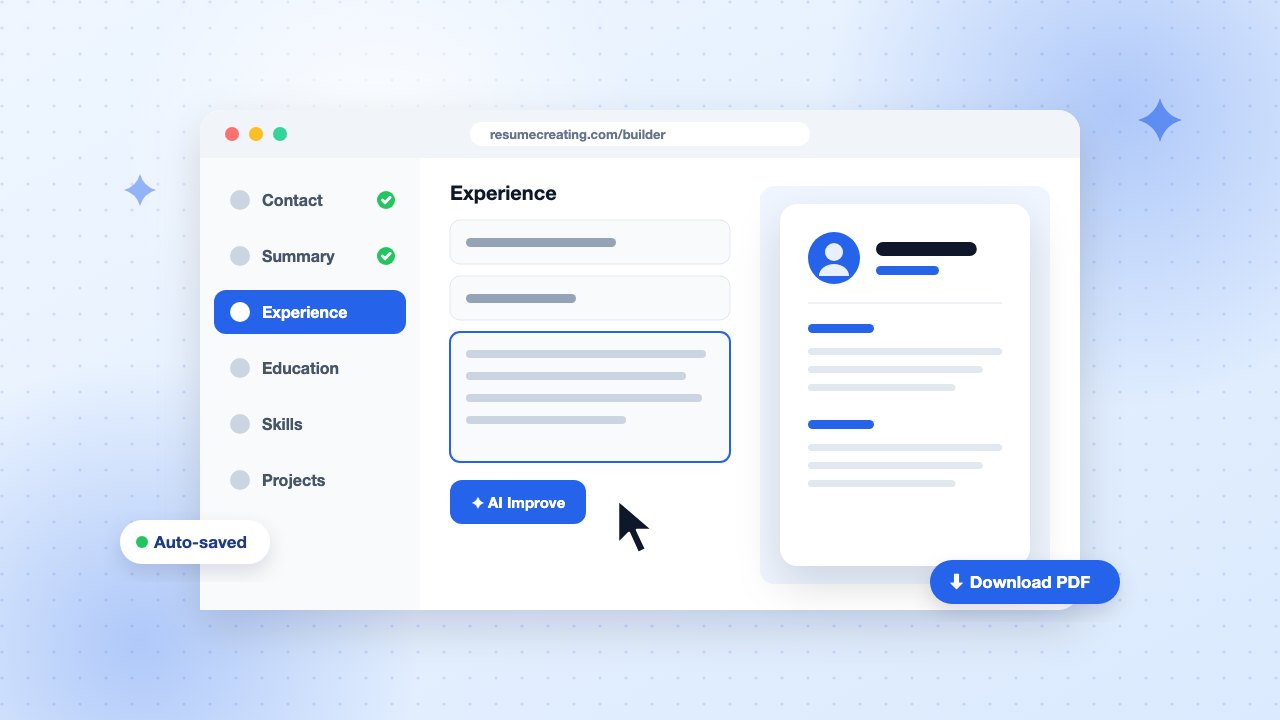
You don’t need design software or hours fighting with margins in a word processor to get a professional resume. With an online resume builder, you focus on what you say and the layout takes care of itself. Here is a practical, 15-minute workflow.
Before you start: gather your details (2 minutes)
Have these ready so you don’t break your flow:
- Job titles, employers, cities, and start and end dates for each role
- Two or three achievements per role, with numbers if you have them
- Degrees, schools, and graduation years
- Certifications, tools, and languages
- The job posting you are targeting (open in another tab)
Step 1: Pick a template that fits your field (1 minute)
Choose a layout that matches your industry. Conservative fields such as finance, law, and government suit clean single-column designs. Creative and tech roles can carry a sidebar or a splash of color. Whatever you pick, keep headings standard and the text readable.
Browse the template gallery. You can switch templates at any time without retyping anything.
Step 2: Fill in your contact details and summary (3 minutes)
Put your name, phone number, professional email, city, and a LinkedIn or portfolio link at the top. Then write a two- or three-line summary that answers one question: why are you a strong fit for this role?
Customer success manager with 5 years of B2B SaaS experience. Reduced churn by 18% by building an onboarding program for 300+ accounts. Skilled in HubSpot, Gainsight, and data-driven renewal planning.
Step 3: Add experience with achievement bullets (5 minutes)
List roles in reverse chronological order. Under each, write 3–5 bullets that start with a strong verb and end with a result:
- Weak: Responsible for social media.
- Strong: Grew Instagram following from 4k to 26k in 10 months by launching a weekly creator series.
Stuck on wording? Use the AI Improve button in the builder to get sharper phrasing and job-relevant keywords, then edit the suggestion so it sounds like you.
Step 4: Education, skills, and extras (2 minutes)
Add degrees and certifications. For skills, list the specific tools and competencies from the job posting that you actually have: “Figma, user research, design systems” beats “creative, hard-working.” Add projects, awards, or languages only if they strengthen your application.
Step 5: Preview, check, and download (2 minutes)
- Preview the full page and check that nothing important is cut off.
- Check your ATS score and fix any flagged sections.
- Proofread names, dates, and your phone number. Typos here cost interviews.
- Download as PDF and save it as
Firstname-Lastname-Resume.pdf.
Bonus: every account gets a shareable online CV page. Add the link to your email signature or LinkedIn profile so recruiters can always see your latest version.
Common mistakes to avoid
- Using one generic resume for every application
- Listing duties instead of results
- Photos, age, or marital status where they aren’t expected (they aren’t in the US, UK, or Canada)
- Fancy fonts or text inside images that applicant tracking systems cannot read
Ready? Open the resume builder and have your first version done before your coffee gets cold.