
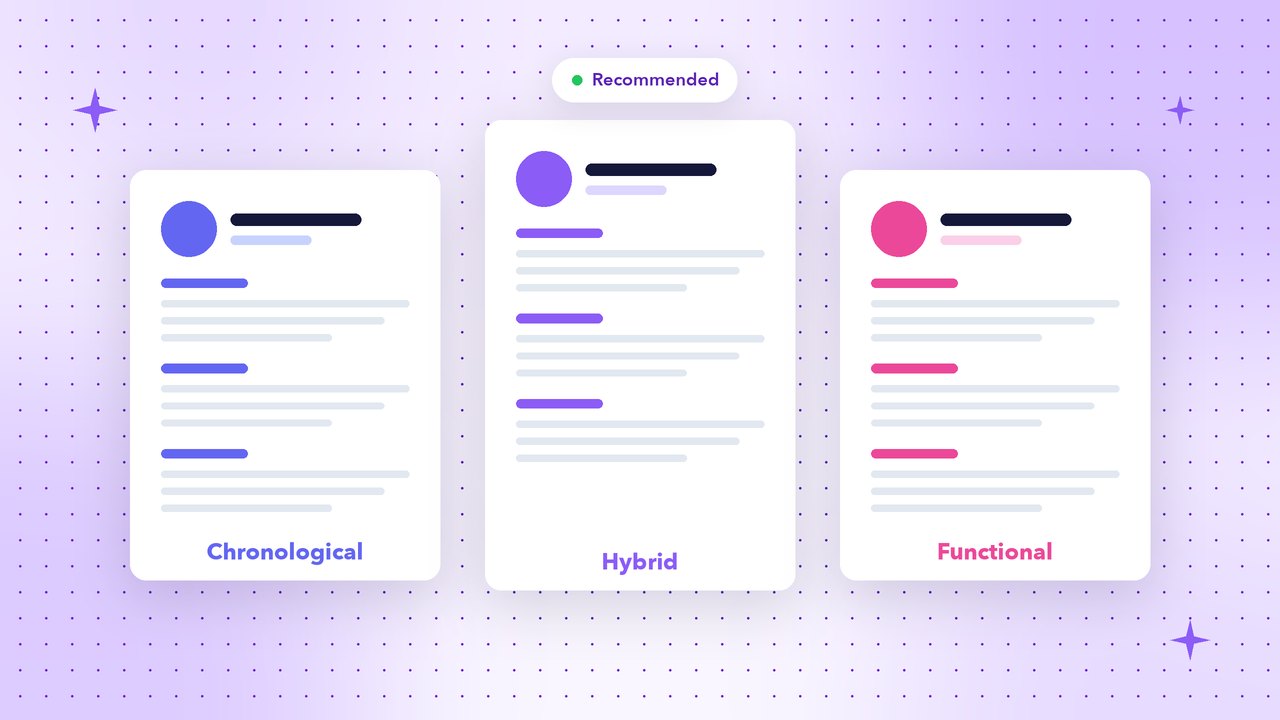
Before you write a single bullet point, you need to choose a resume format — the order and structure of your sections. The right format puts your strongest qualifications where recruiters look first. There are three main options.
1. Reverse-chronological resume
Your work history is listed from newest to oldest. It’s the most popular format and the one recruiters and applicant tracking systems (ATS) understand best.
Section order:
- Contact details
- Resume summary
- Work experience (latest first)
- Education
- Skills
- Certifications, projects, languages (optional)
Best for: anyone with steady work history in the same field.
2. Functional (skills-based) resume
This format groups your experience by skill area instead of by job, with a brief employment list at the end.
Section order:
- Contact details
- Summary
- Skills and achievements, grouped by theme (e.g. “Sales”, “Team Leadership”)
- Short work history
- Education
Best for: very specific situations only. Many recruiters distrust functional resumes because they can hide gaps or short tenures, and some ATS software struggles to connect skills with jobs.
3. Hybrid (combination) resume
A hybrid resume opens with a strong skills or “key achievements” section, followed by a full reverse-chronological work history. You get the best of both.
Section order:
- Contact details
- Summary
- Key skills / core competencies
- Work experience (latest first)
- Education and certifications
Best for: career changers, people returning after a break, and experienced professionals with diverse skills.
Which resume format should you choose?
| Your situation | Recommended format |
|---|---|
| Steady career in one field | Reverse-chronological |
| Student or fresher | Reverse-chronological with Education and Projects first |
| Changing careers | Hybrid |
| Returning after a career gap | Hybrid |
| Senior professional with broad experience | Hybrid or reverse-chronological |
| Applying through online job portals | Reverse-chronological (most ATS-friendly) |
Our recommendation: When in doubt, use the reverse-chronological format. It’s familiar, easy to scan and works with almost every ATS.
Layout tips for any format
- Use clear headings like “Work Experience” and “Education” — ATS software looks for standard names.
- Keep dates aligned on the right and in the same format.
- Choose a readable font at 10–12 pt with enough white space.
- Avoid text inside images, headers or complex tables.
- Save as PDF to keep your layout intact.
Related reading: how long should a resume be and how to explain an employment gap. Every ResumeCreating template uses an ATS-friendly structure, so you can focus on content while the resume builder handles the format.